Module 4: Practical Examples of Google Sheets Custom Functions
Understand the real-world applications of custom functions in Google Sheets and how to leverage them.
Tutorial
Tutorials and advice to make the most out of Sheet Best and Google Sheets
Understand the real-world applications of custom functions in Google Sheets and how to leverage them.
Use array formulas, APIs and data sources for powerful data manipulation, and learn to handle errors and debug your functions.
Understand the fundamentals of Javascript along with the structure and syntax of custom functions in Google Sheets
Understand the capabilities of Google Sheets and its built-in functions, and their significance.
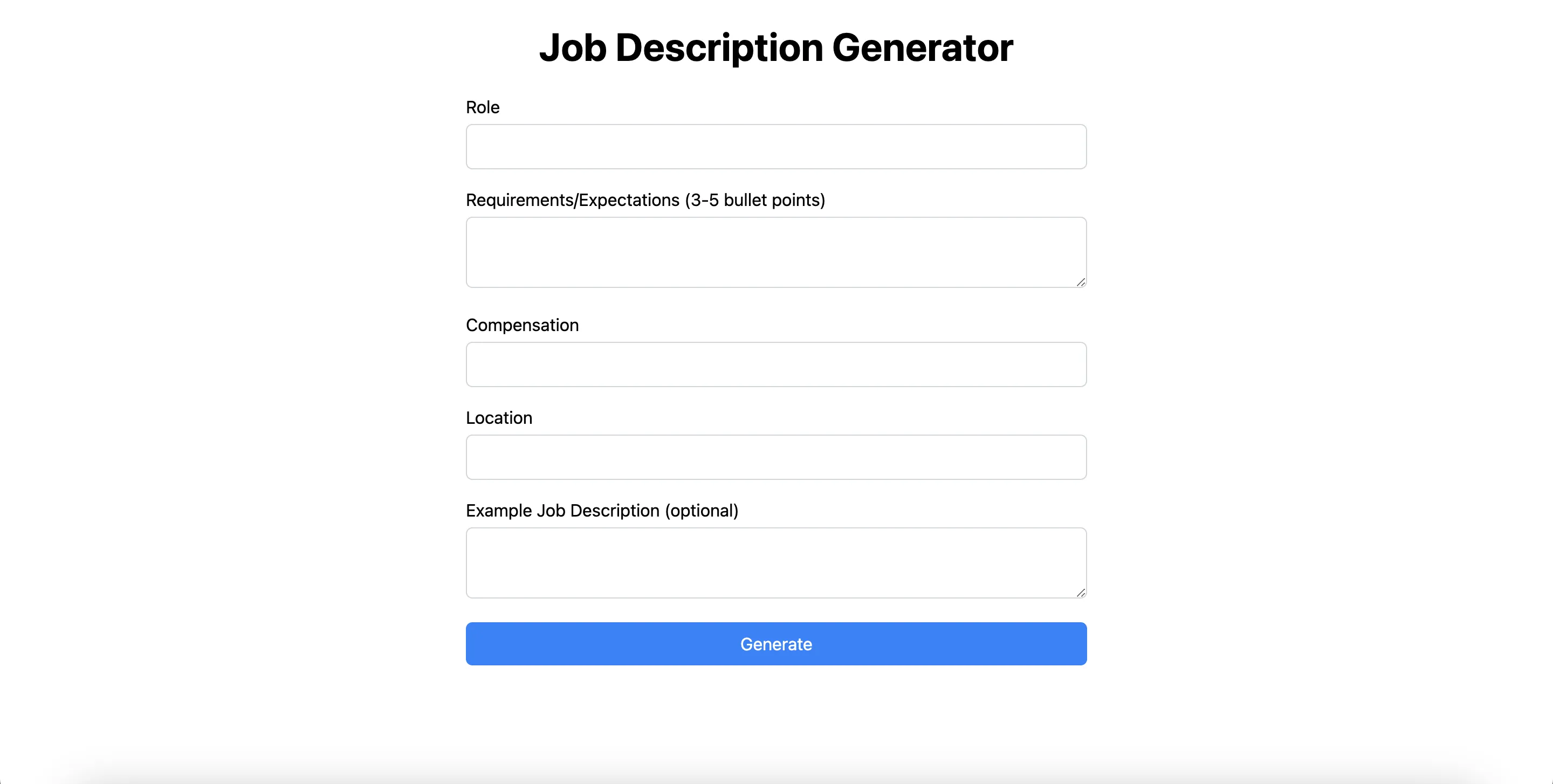
In this article, we will create a Job Description Generator powered by GPT4 using Next.js. We’ll use Tailwind CSS for styling and Sheet Best APIs to use a Google sheet as a database for this project.

Learn how to quickly transform your humble Google Sheets into a mighty database to power your reporting, management, automation, and more!

Discover all the benefits of a custom app (that you can share with your stakeholders) + a low-cost way to develop custom solutions!

Welcome to no-code app development 101! Learn how to go from point A (idea) to point B (easy development) in 4 steps, including planning.

Free your HR team! Learn how to quickly and efficiently increase your productivity with our favorite HR automation best practices.

Discover the basics of API lingo so you can start to use no-code tools like a professional. Learn all about GET and POST requests, and more!

Discover the top 7+ business processes you can automate with a spreadsheet and the Sheet Best API (in just a few minutes).

Stop juggling leads. Instead, discover the top 5 ways customers use Sheet Best to build stronger customer relationships without coding!
The latest news, articles, and resources, sent to your inbox.