Introducing Sheet Best MCP: Connect your AI assistant to Google Sheets

Sheet Best MCP is a hosted Google Sheets MCP server that lets compatible AI assistants discover your Sheet Best connections and read or update spreadsheet rows through controlled tools.
It works with MCP-compatible tools such as Codex, Claude, and Gemini without requiring you to build or host a separate integration.
Until now, using Sheet Best from an application meant calling its REST API directly. That remains the right approach when you are building software with predictable requests and responses.
MCP adds a different path. It lets an AI assistant discover the tools available to it, choose the right operation, and work directly with your sheet.
That means you can ask an assistant to find a connection, inspect its permissions, read a set of rows, or make a specific change without first writing the integration code yourself.
What Is a Google Sheets MCP Server?
The Model Context Protocol, or MCP, is an open standard for connecting AI applications to external tools and data.
With Sheet Best MCP, a request such as:
List the open support requests assigned to Taylor.
can become a structured query against the relevant Google Sheet connection.
You can also ask:
- “Show me my Sheet Best connections and their API URLs.”
- “Create a connection for this Google Sheet.”
- “Can this connection read and edit the sheet?”
- “List the first 20 inventory rows.”
- “Add this approved order to the Orders tab.”
- “Update the matching request to Resolved.”
The assistant is not given unrestricted spreadsheet access. It receives a defined set of Sheet Best tools, and those tools follow the connection settings you already control.
What Sheet Best’s Google Sheets MCP Server Can Do
Sheet Best gives you one account server for discovery and sheet operations:
https://mcp.sheetbest.com/.
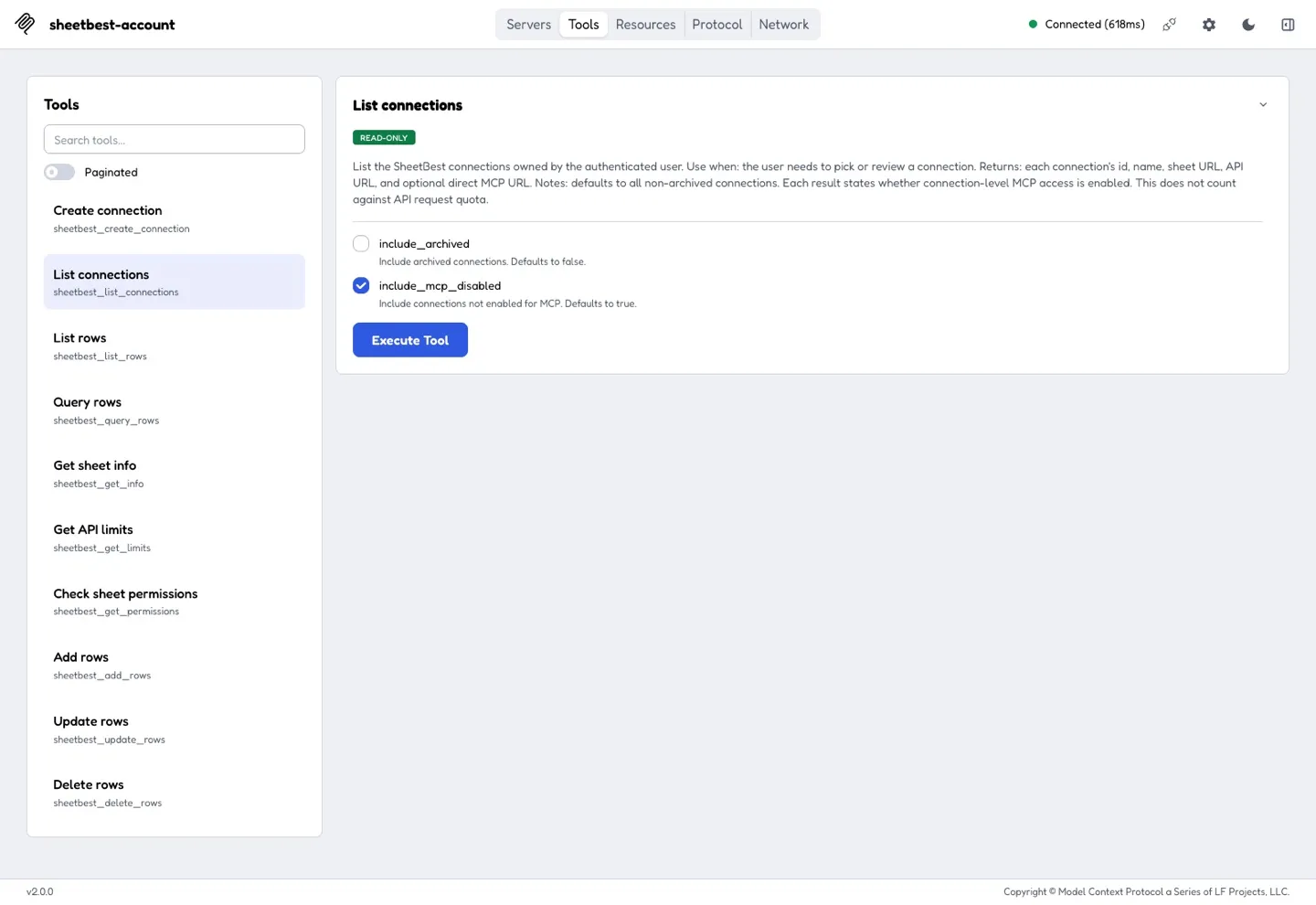
The MCP endpoint lets an assistant:
- list your Sheet Best connections;
- see the REST API URL and optional direct MCP URL for each connection;
- create a new connection from a Google Sheet URL;
- choose an enabled connection and use its sheet tools.
Depending on the selected connection’s settings and your plan, an assistant can:
- list and filter rows;
- query values with comparison operators;
- inspect sheet information;
- check permissions and request limits;
- add rows;
- update or replace matching rows;
- delete rows.
Sheet tools on the account server include the selected connection ID. You can therefore configure Sheet Best once instead of adding a new MCP server for every sheet.
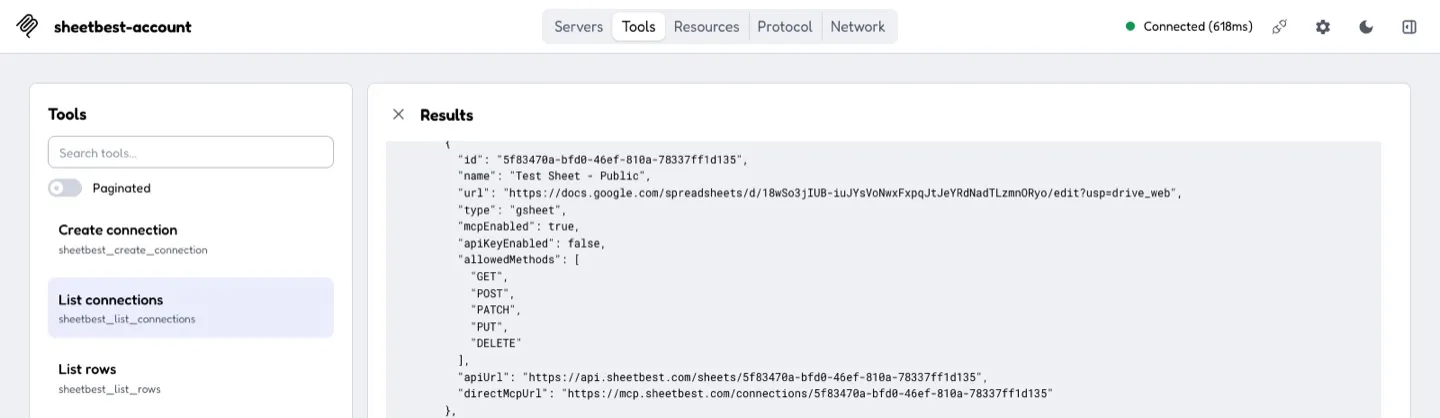
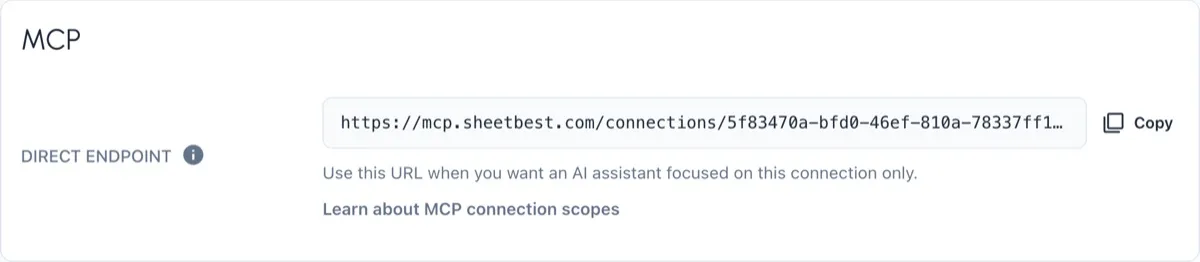
Each connection page also shows an optional Direct MCP endpoint using
https://mcp.sheetbest.com/connections/<connection_id>. Use it when you want a
client configuration focused on one sheet; the URL supplies the connection
context, so its tool calls do not need a connection ID.
Read and write tools use the same Sheet Best data path as the REST API. Method restrictions, Google permissions, quotas, origin and IP rules, and plan limits still apply.
If a connection does not allow DELETE, for example, the delete call is
blocked. A direct connection endpoint also leaves unavailable tools out of its
tool list.

How Sheet Best MCP Protects Google Sheets Access
MCP support is opt-in.
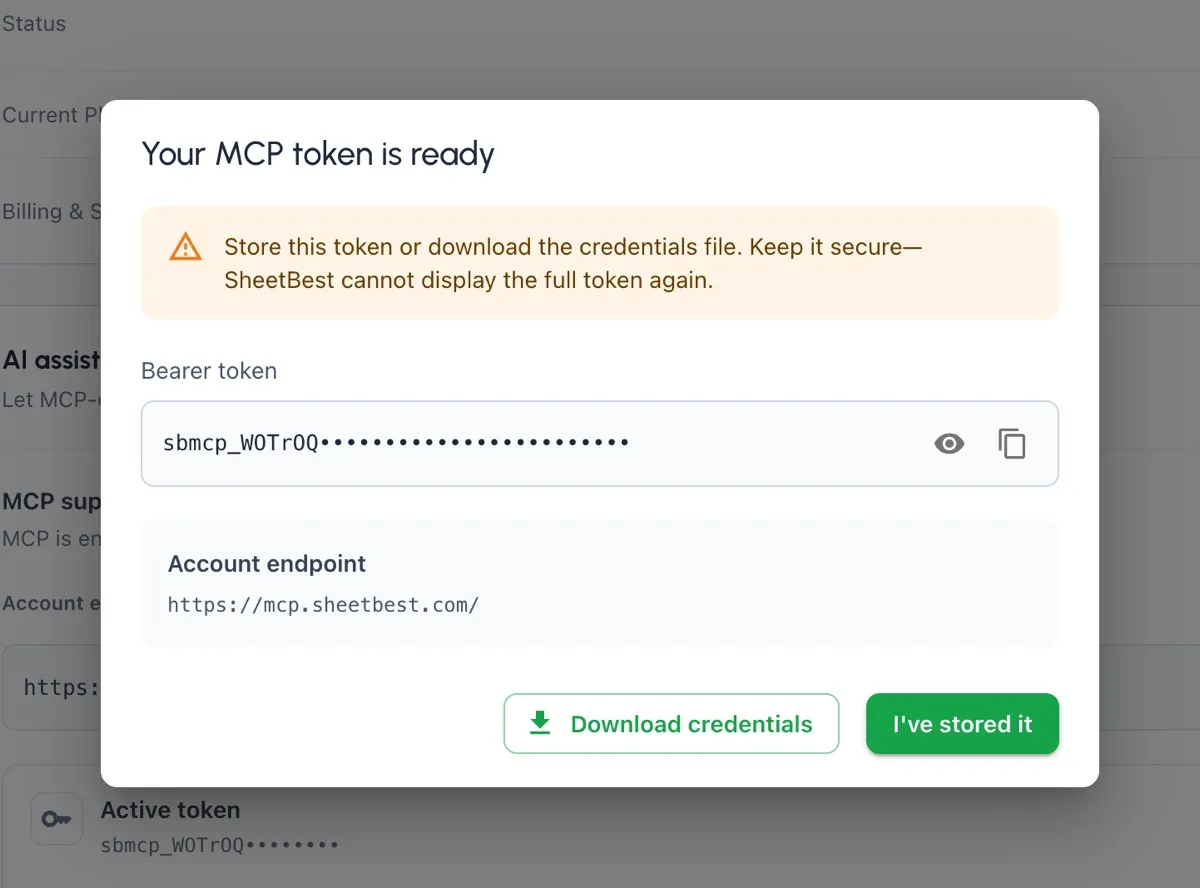
You enable it from the AI assistants · MCP card in your Sheet Best account settings. From there, you can generate a dedicated MCP token and download the credentials for secure storage.
The complete token is shown only once. Sheet Best stores a cryptographic hash rather than the original credential, and replacing a token revokes the previous one.
You can also:
- disable MCP access without destroying the token;
- re-enable access later;
- rotate the credential when needed;
- revoke it explicitly from account settings.
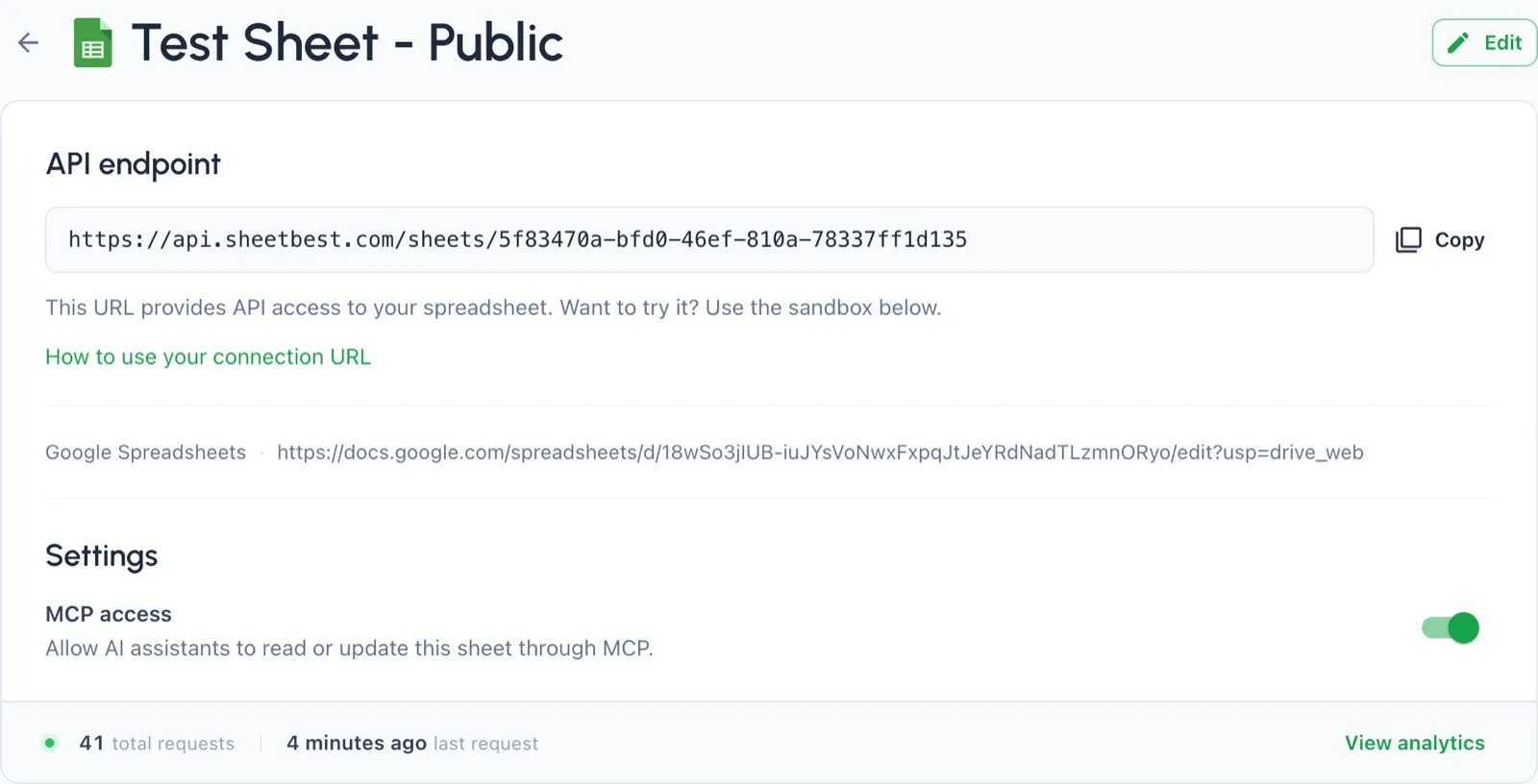
Turning MCP on enables existing active Google Sheet connections, and connections created through MCP are enabled by default. You can enable or disable an individual connection from its connection page. Account-level access and connection-level availability remain separate safeguards.
The first release uses bearer-token authentication rather than OAuth. Keep the token in your MCP client’s secure configuration—never in a prompt, URL, screenshot, or source repository.
Use MCP and REST APIs With the Same Google Sheet
Sheet Best MCP does not copy your spreadsheet into a new database or introduce another place to manage the same records.
Your Google Sheet remains the source of truth. Sheet Best continues to provide the access, validation, quotas, and API behavior around it. MCP gives compatible assistants a tool-based interface over that same foundation.
This makes the feature useful for workflows where the data is already understandable to the people operating it:
- triaging leads or support requests;
- checking inventory and order status;
- maintaining content calendars;
- reviewing project trackers;
- adding approved records from a conversation;
- investigating a sheet before building a larger integration.
You can use MCP for interactive assistant workflows and the REST API for application code. Both can work with the same Sheet Best connection.
How to Connect an AI Assistant to Google Sheets
The fastest path takes only a few steps:
- Open Sheet Best account settings.
- Enable MCP support.
- Generate and securely store your MCP token.
- Add the account endpoint shown in Sheet Best to a compatible remote MCP client.
- Ask the assistant to list your Sheet Best connections.
- Ask it to check permissions or read a few rows from one connection.
- Optionally copy the Direct MCP endpoint from a connection page when you want a server configuration limited to that sheet.
The MCP quickstart walks through the complete setup, token handling, endpoint scopes, and first connection test.
Before approving writes, review the connection and tool reference to understand selectors, methods, quotas, and destructive operations.
Connect AI Assistants to Google Sheets With Sheet Best
Spreadsheets are often where a workflow becomes real. They hold the current inventory, the active queue, the approved list, or the numbers everyone needs to discuss.
Sheet Best already made that data useful to applications through a REST API. MCP now makes it available to AI-assisted workflows through clear, controlled tools. The evergreen Sheet Best MCP overview explains the complete connection, permission, and authentication model.
MCP is available on the Personal plan and above, but for a limited time, we’re making it available to everyone so every Sheet Best user can try it.
Enable MCP in Sheet Best, follow the MCP quickstart, or start a Sheet Best trial and connect your first Google Sheet.